
Partner Appreciation
What you need to know about the 2026 awards
What you need to know about the Booking.com Review Awards 2026

Excellence in hospitality begins with people like you; those who turn every stay into something exceptional. This award celebrates your dedication, your craft and the countless moments that make each guest feel truly cared for.
To celebrate your success and share your achievement with the world, enter your property ID below to download your personalised award kit.
Download the kit to get your award in digital and printable formats, along with visuals that can be shared on social media. If you need any help, watch this video.
Share your win with the world! If you’re on a mobile device, you can share directly to your social media channels. Post with #BookingcomReviewAwards2026 and tag @bookingcom.
Find a specific award kit by selecting it below or tick the box to download all award kits at once.
| Property name | Location | Review score | Award kit |
|---|
Whether you’re driven by the satisfaction of service or the simple pleasure of making a guest’s day better, your dedication to creating exceptional travel experiences is inspiring to see. Take a moment to watch our latest film – highlighting some of our winners in action – and discover what makes them guest favourites. A huge thank you for your care and passion, you truly are the heart of hospitality.
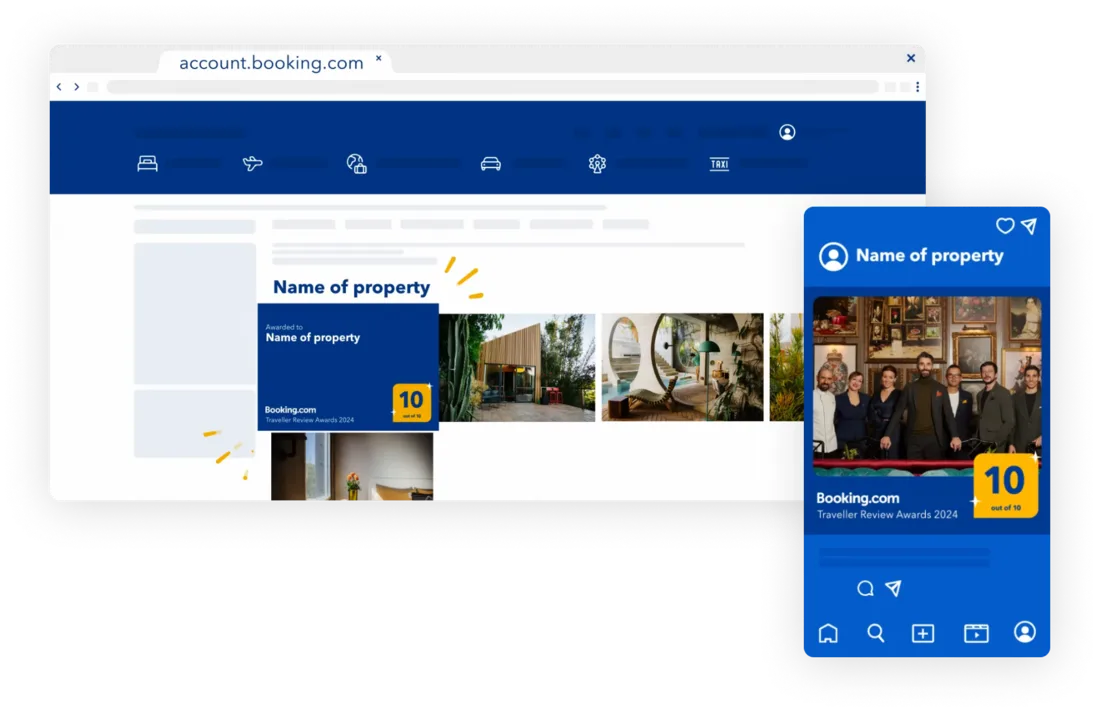
Post with #BookingcomReviewAwards2026 and tag @bookingcom so we can celebrate with you. Watch this video to learn about downloading and sharing what's in your award kit.
Your review score for the Booking.com Review Awards 2026 is based on the average of all your guest reviews published on our website and app between December 1, 2022 and November 30, 2025. We calculated your final review score on December 1, 2025.
To learn more about our guest review system, check out this article.
Each property has its own property ID. If you have multiple winning properties, download the award kit corresponding to each property.
You can find your property ID by following these steps:
If you have multiple properties, you can find their IDs by following these steps:
Scroll down to Active properties and select the Operations. Here, you’ll find all your properties’ names and IDs.
Enter your property ID below to download last year’s award.


